
Security Systems
Protecting your home requires a system that works reliably whether your internet connection drops or network outages occur unpredictably. Earykong Security Systems solve this with dual WiFi and GSM connectivity, ensuring round-the-clock protection and remote alerts through the intuitive Tuya smart app. Order your complete system from the official Earykong store today and secure your home at the best price available.
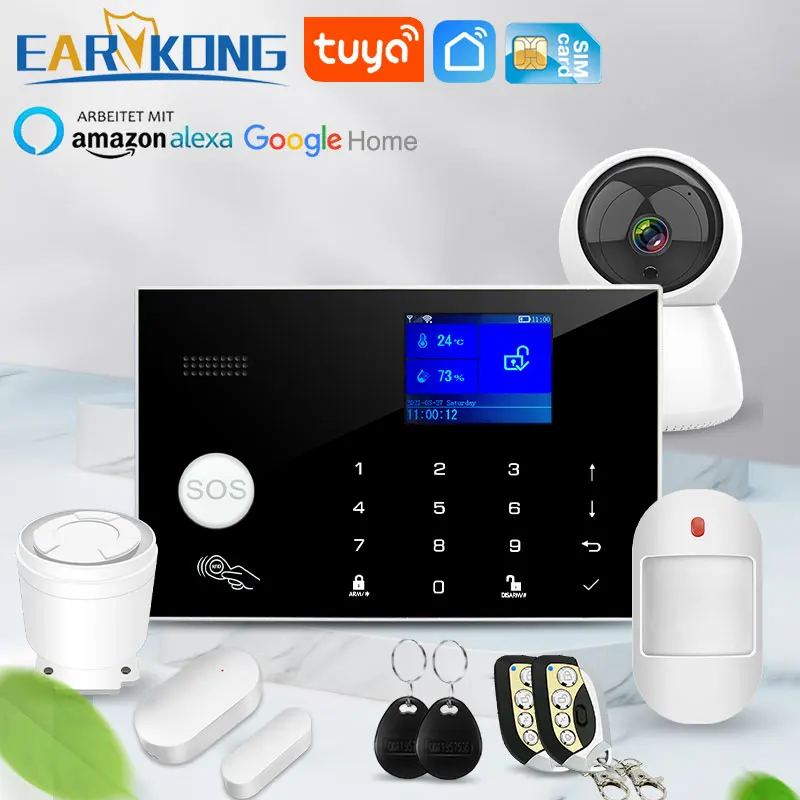
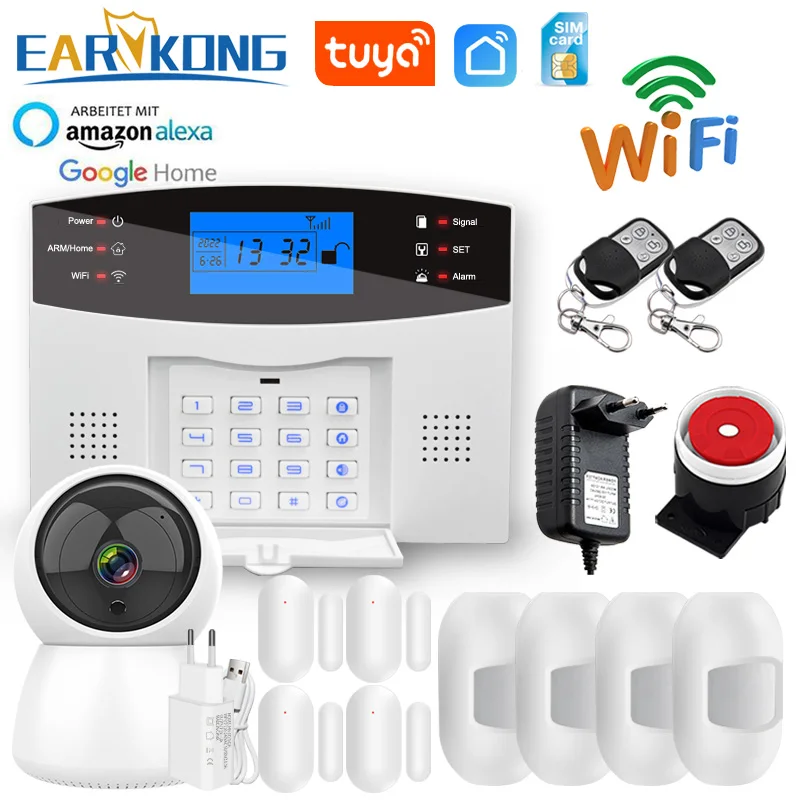
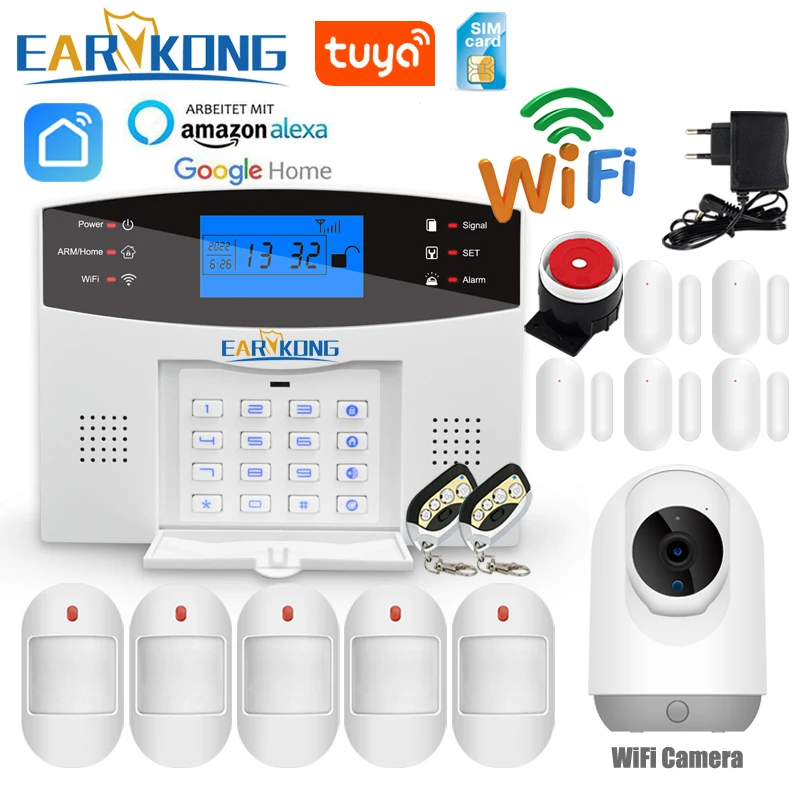
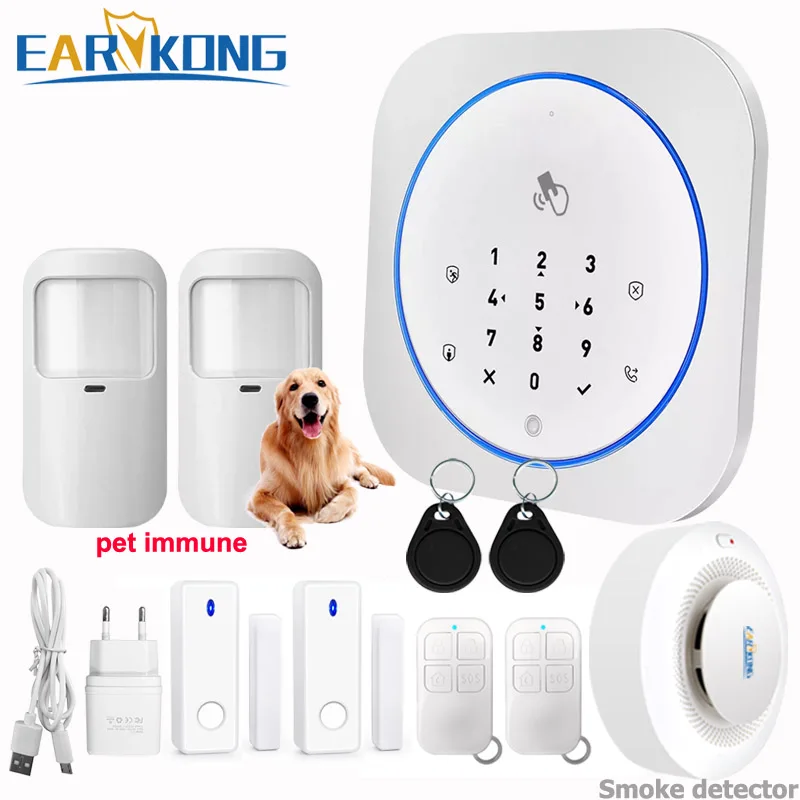
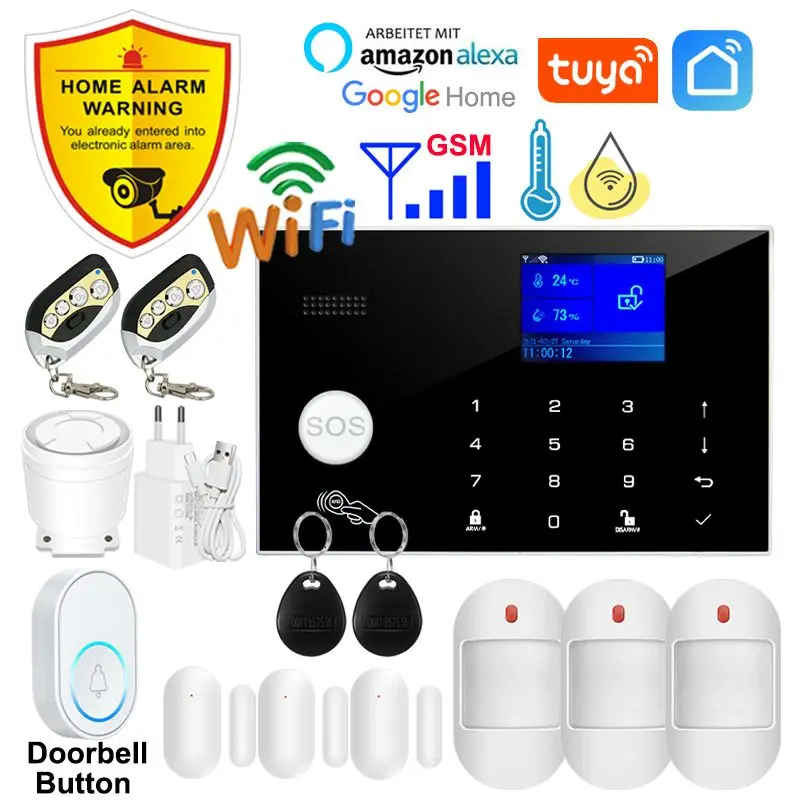
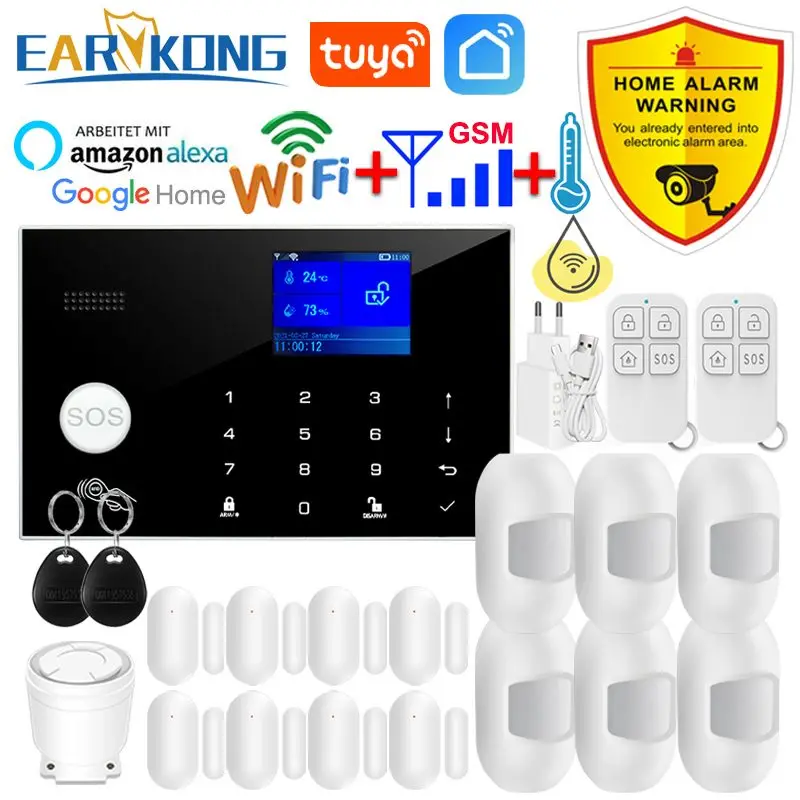
Earykong Security Systems for Complete Home Protection
Earykong Security Systems deliver professional-grade burglar detection with consumer-friendly installation that requires no technician visits or long-term contracts. Each system combines WiFi connectivity for fast smartphone alerts with GSM backup, so protection continues even when your broadband service fails or experiences temporary outages. The Tuya smart app centralizes all monitoring functions in one interface, letting you arm and disarm from anywhere on Earth with a single tap. Integration with wireless door sensors and motion detectors happens automatically during setup, eliminating complex pairing procedures that frustrate most homeowners. Real-time alerts notify you instantly when motion triggers or entry points breach, giving precious seconds to respond or contact authorities. Battery-backed sirens maintain full volume during power failures, protecting your property when criminals specifically target homes after utility cuts. These systems suit apartments, houses, and small commercial spaces where reliability and ease of use matter equally.
WiFi GSM Dual Connectivity and Smart App Control
Redundant connectivity separates Earykong Security Systems from single-network competitors that fail silently when one connection type drops. WiFi communication delivers fast alerts within milliseconds for immediate awareness, while GSM cellular backup activates automatically if your internet goes down, maintaining protection during extended outages. The Tuya smart app works on both iOS and Android devices, letting family members receive alerts independently and arm systems from their own phones without sharing passwords. Push notifications include thumbnail images from any connected camera, providing visual context alongside motion or entry alerts. Voice commands through common smart home assistants let you control security status hands-free while cooking, bathing, or with full hands of groceries. Scheduled automation arms the system every night at 10pm and disarms at 7am, eliminating the manual step most users forget. Detailed event logs show exactly who triggered what sensor and when, creating an audit trail that insurance companies and law enforcement both appreciate.
Why Earykong Outperforms Standard Alarm Offerings
Professional monitoring centers charge $30-50 monthly for 24-hour response, but Earykong Security Systems put you in direct control with instant personal notifications instead of waiting for a call center operator to contact you hours later. Military-grade encryption protects all communication between the system hub and Tuya servers, preventing hackers from intercepting arming codes or footage streams that other budget systems leave exposed. Independent testing shows Earykong systems detect motion 0.3 seconds faster than competitors using older sensor chipsets, a critical margin when confronting actual intruders. The modular design lets you start with essential sensors and expand coverage gradually rather than buying expensive bundled packages with unused components gathering dust. Customers report 60 percent fewer false alarms compared to their previous systems, meaning fewer embarrassing police responses and higher neighbor tolerance for ongoing testing. A full 3-year manufacturer warranty covers both hardware and software updates, protecting your investment against component failure or sudden service discontinuation common with lesser brands.
Installation and Optimal System Configuration
Begin by placing the main hub in a central location within WiFi range of your router, ideally in an open area away from metal cabinets and microwave ovens that degrade signal quality. Mount wireless door sensors on the frame and corresponding magnet on the door itself, testing the connection within the app before securing with the included adhesive strips rather than screws that damage frames. Position motion detectors at entry points where intruders would logically pass, avoiding placement facing windows where sunlight and car headlights trigger false alerts. Connect your preferred video doorbell or IP camera to the same WiFi network and add it within the app settings, which auto-detects available devices on your subnet. Enable GSM backup by inserting a compatible SIM card into the designated slot and verifying cellular signal strength shows two bars minimum before relying on it. Test the complete system by opening a door sensor and confirming the app alert arrives within three seconds, then review the event log to verify recording. Schedule a monthly test by arming the system, walking past a motion detector, and confirming the siren responds and your phone receives an alert simultaneously.